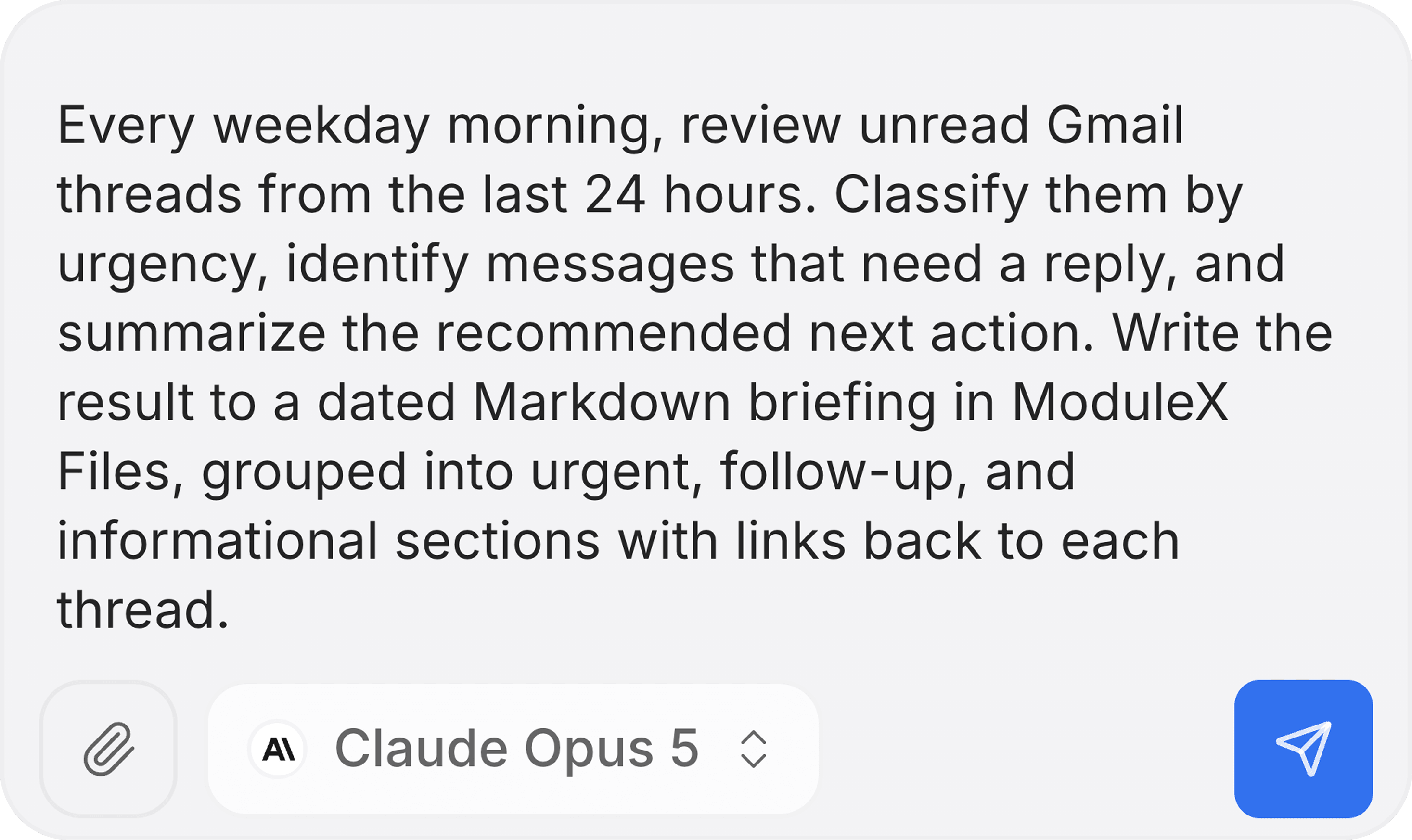
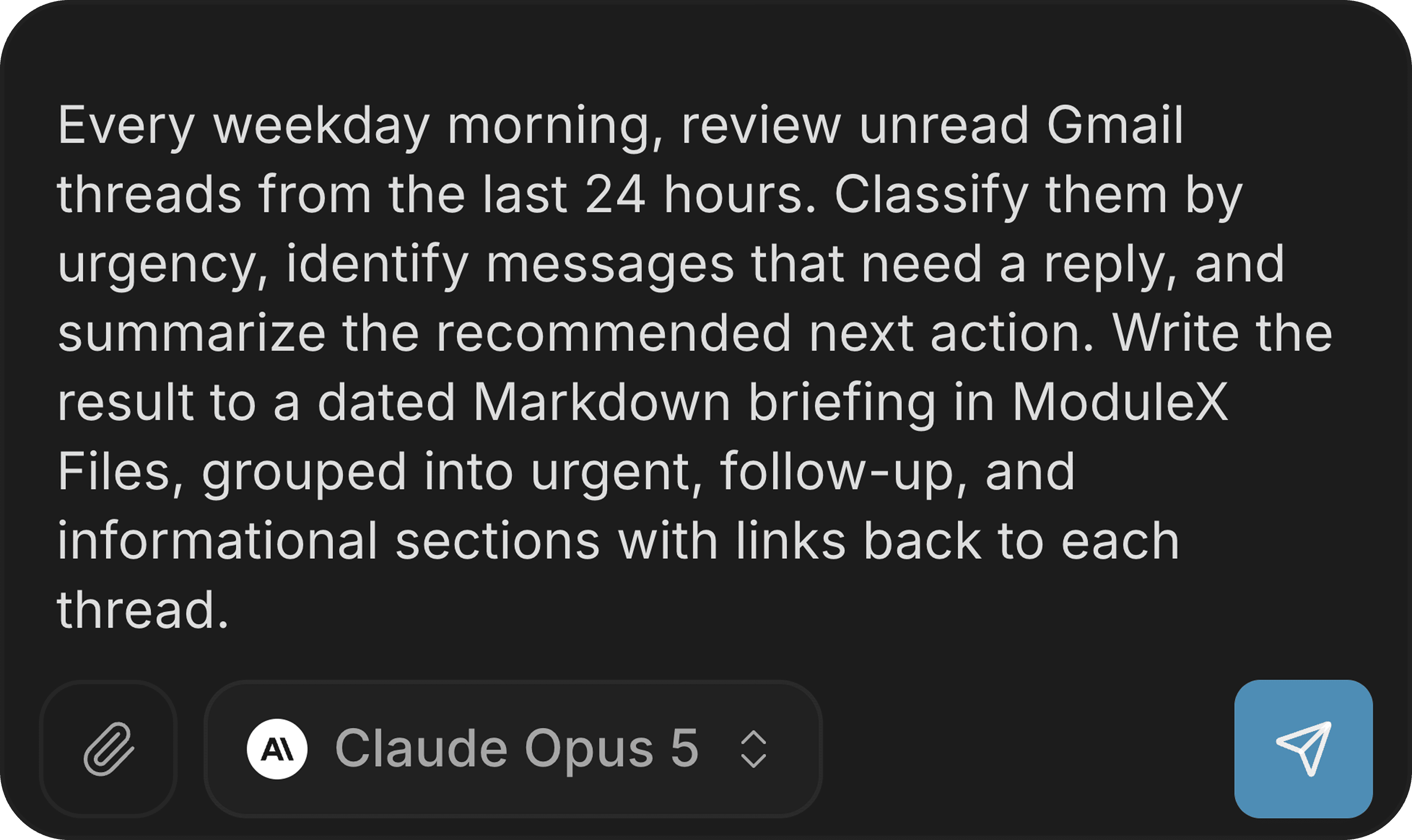
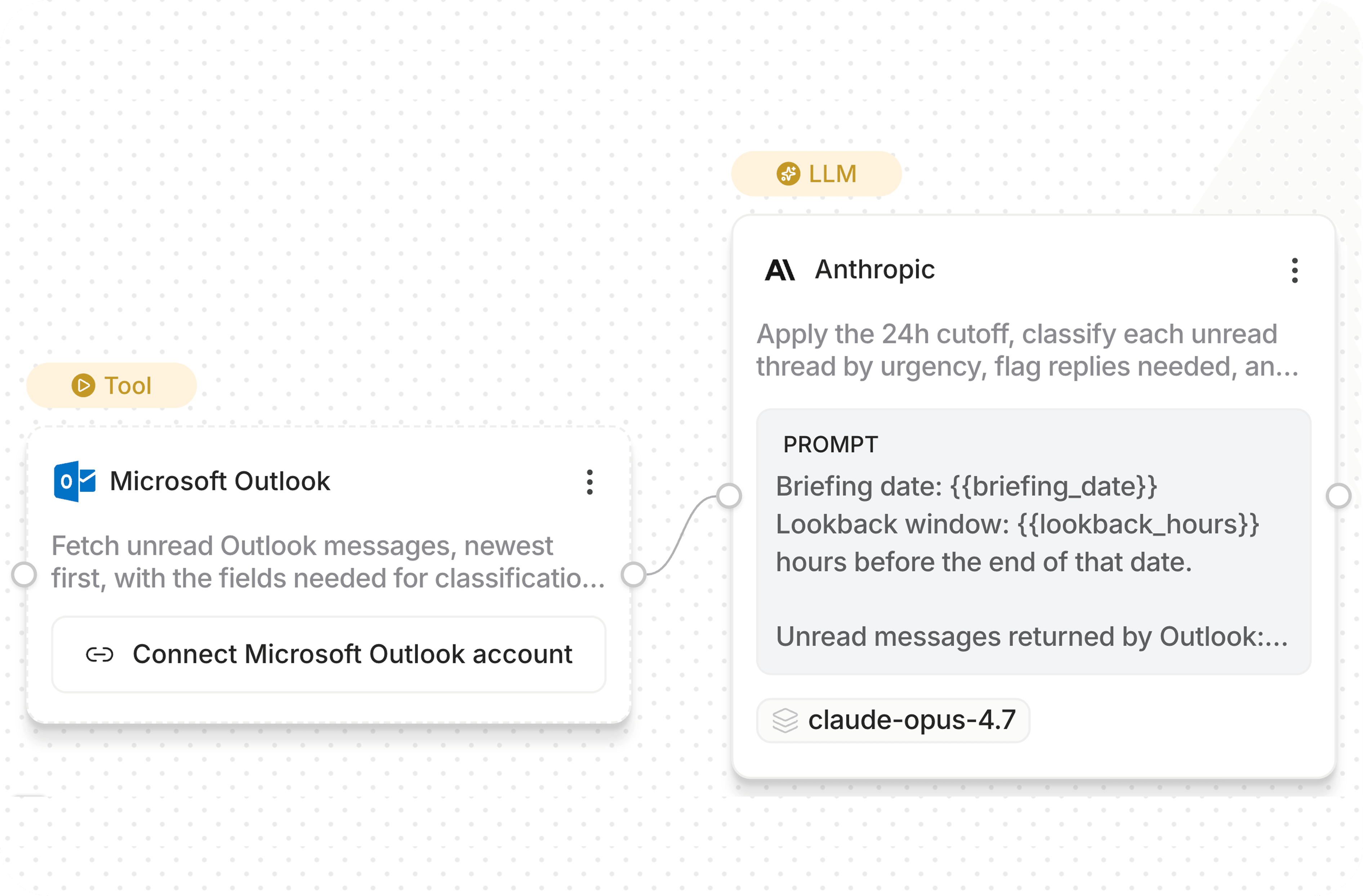
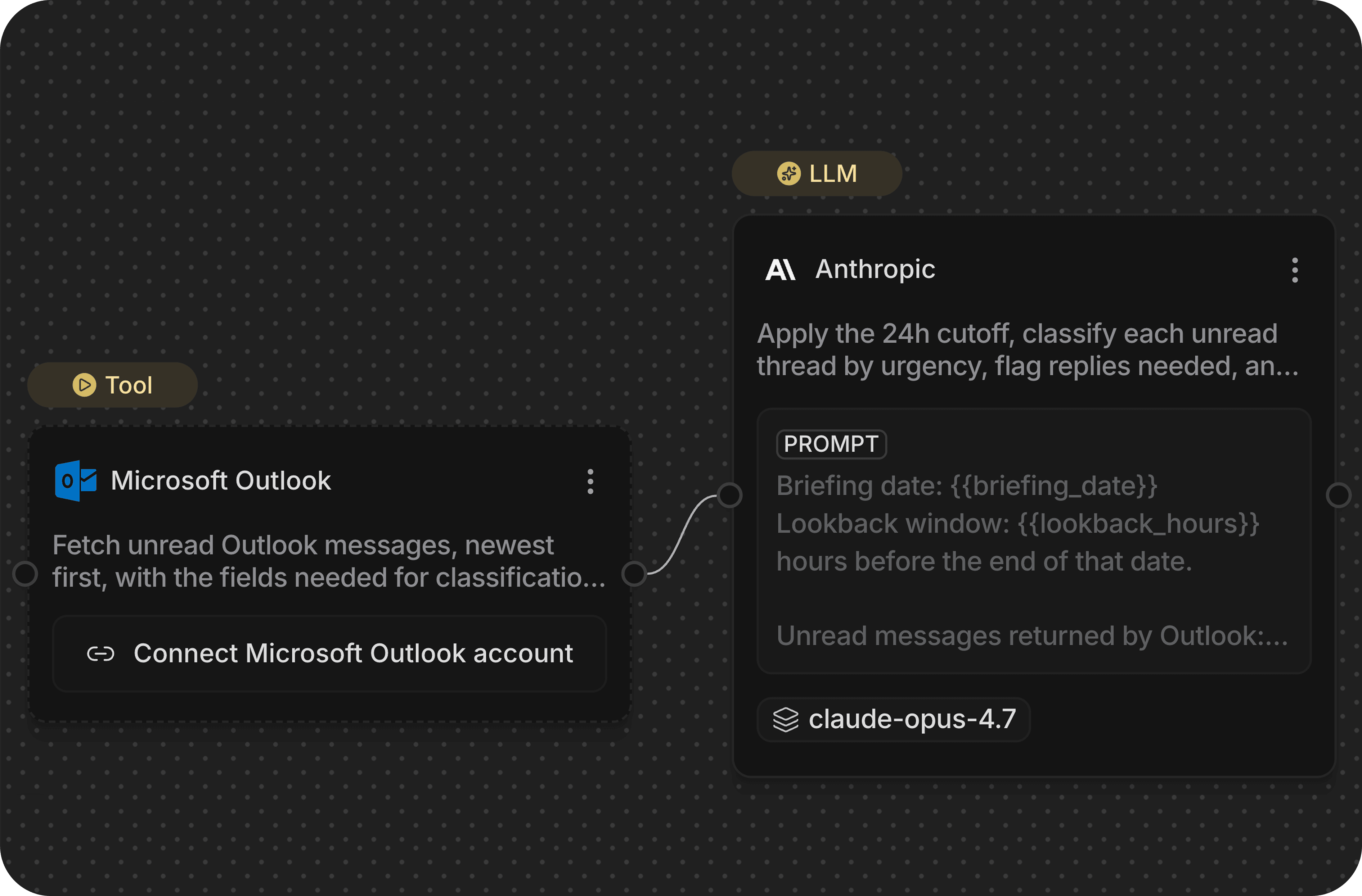
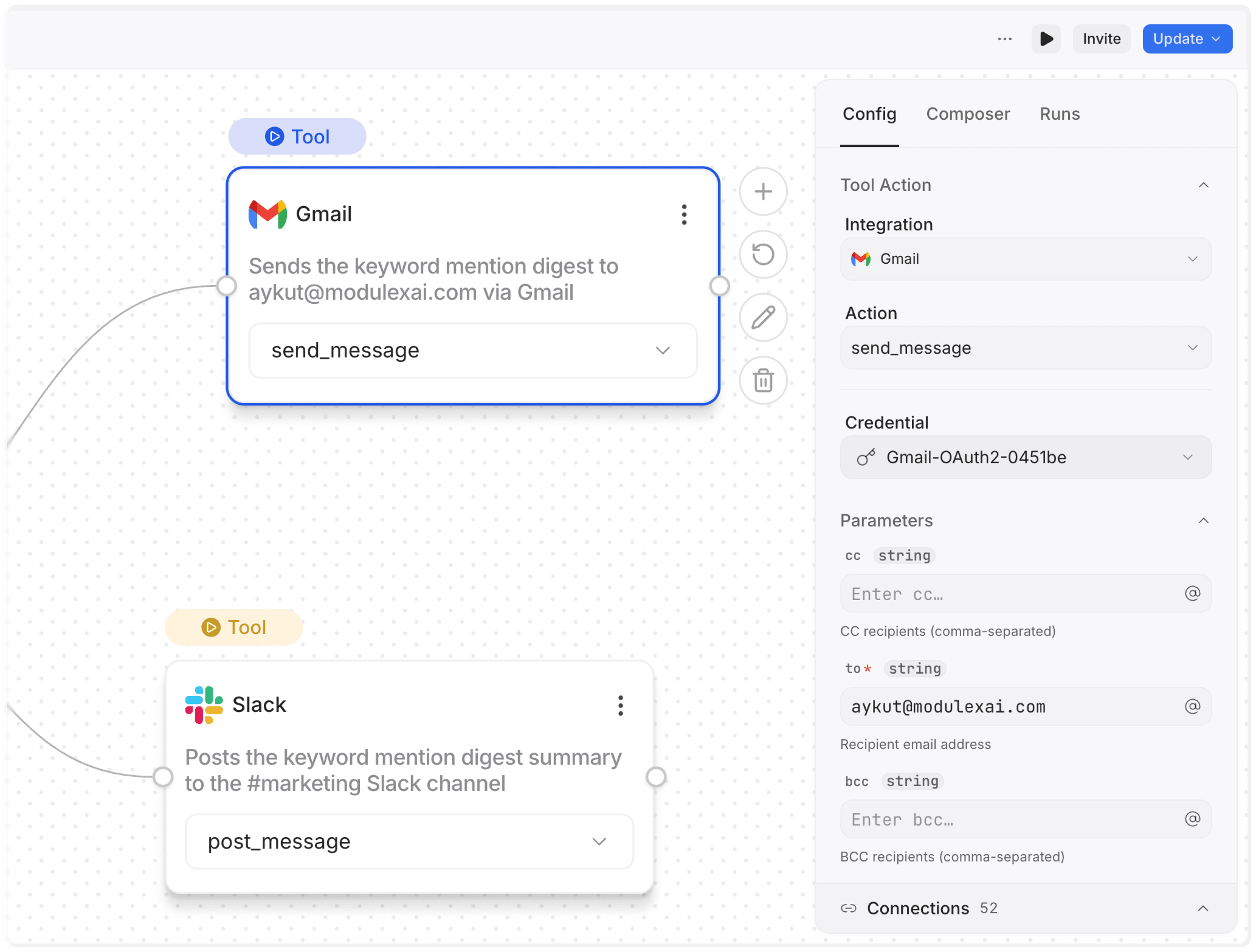
Describe a process in a prompt and turn it into an editable workflow graph connecting your tools, data, and agents. Run from chat, API, or SDK.

Workflow BuilderKnowledgesClient SDKs600+ ToolsTeam CollabEnterprise Ready

Connect your own data and 1000+ tools

Connect your knowledge base, integrate your tools, and build workflows your way—with AI, visual canvas, or code. Your infrastructure, your control.

Connect Vector DB
Native or bring your own
Native
ModulexDB
Built-in, no setup
Or bring your own
QdrantQdrant
PineconePinecone
Give AI Your Company KnowledgeConnect your documents, guides, and internal data to workflows. ModuleX's RAG retrieves relevant context automatically—so your AI responses stay accurate, grounded, and business-specific.
Google Drive
Google Drive
Google Workspace integration for Drive, Docs, Sheets.
OAUTH230 actions
PostHog
PostHog
Product analytics for tracking user behavior.
API_KEY61 actions
HubSpot
HubSpot
CRM for contacts, companies, deals.
OAUTH222 actions
Exa Search
Exa Search
AI-powered semantic search engine.
API_KEY4 actions
Calendly
Calendly
Scheduling platform for events.
OAUTH211 actions
Linear
Linear
Project management for teams.
API_KEY6 actions
ClickUp
ClickUp
Task tracking for software teams.
API_KEY23 actions
GitHub
GitHub
Repository and code management.
OAUTH217 actions
Slack
Slack
Team messaging and collaboration.
OAUTH29 actions
Notion
Notion
Pages, databases, workspace.
OAUTH218 actions
OpenAI
OpenAI
GPT models for chat and embeddings.
API_KEY12 models
Anthropic
Anthropic
Claude models for reasoning.
API_KEY6 models
Salesforce
Salesforce
CRM for customer relationships.
OAUTH215 actions
Zendesk
Zendesk
Customer support ticketing.
API_KEY17 actions
Airtable
Airtable
Cloud database for collaboration.
API_KEY7 actions
Stripe
Stripe
Payment processing platform.
API_KEY12 actions
Integrate Anything. Control Everything.200+ integrations including every major AI model, CRM, database, and communication tool. Use your own API keys, pay provider rates directly, and orchestrate across your entire infrastructure.

Run it once from chat. Run it forever as a workflow.

Execute workflows via chat, SDK, or API. Whether you use our interface, integrate with code, or trigger from external systems—your automations run seamlessly.

Ask anything...
GPT-5.5
Deep Agentic AssistantDescribe a goal in plain language and a deep agent reasons, picks the right tools, and gets it done across your integrations—every step and cost visible in real time.
executions.ts
REST · SDK
import { Modulex } from 'modulex-js';
 
const client = new Modulex({
apiKey: 'mx_live_…',
});
 
const run = await client.executions.run({
workflowId: '550e8400-e29b-41d4-a716-…',
input: { /* … */ },
});
Developer-Ready IntegrationTrigger workflows programmatically via REST API or use our native SDKs for JavaScript and Python. Integrate with curl, call endpoints with your API key, or embed automation into any application.

Flexible Billing for Every Team

Bring your API keys for complete cost transparency, or use ModuleX Credits for instant access. Same workflows, same power—your preferred billing.

Your Credentials
HubSpotHubSpot2 keys
StripeStripe2 keys
Encrypted
MK
JD
AS
Team executeskeys hidden
Use Your Own API KeysPay providers directly. Zero markup, full cost transparency. Your team executes workflows without seeing keys—role-based permissions, audit logs, and real-time cost tracking included.
sk-••••••••••••
Get key
Configure
Validate
FirecrawlFirecrawl
Click & Use
Ready
No API keys needed
Skip the setup. Start building.
ModuleX Credits: Just Click & UseZero setup, zero config. Instant access to every tool and AI model—no credentials to manage or store. Track team usage in real-time, add credits as needed.

Frequently Asked Questions

Clear answers on how the AI works, how your data stays secure, and how your team benefits.

ModuleX helps teams build and orchestrate AI workflows from prompt to execution. Describe a process in a prompt, get an editable workflow graph that connects your tools, data, and agents, and run it from chat, API, or SDK.
ModuleX is for anyone who wants to build, test, and deploy AI agent workflows without writing code. Non-technical teams can automate real work on their own, while developers get the depth to go further. From operations and support to product, marketing, and engineering, teams turn everyday processes into autonomous workflows they can run again and trust.
No. Describe what you want in plain English and the AI Composer builds it into a workflow you can review and edit on a visual canvas. You can also just ask the Assistant to do the work directly. When you need more control, developers can trigger the same workflows from the API and SDK.
No credit card is required. Free accounts include credits so you can build workflows with the Composer and test real Assistant runs before choosing a paid plan.
Most AI assistants answer questions or run one-off tasks. Most automation tools make you build rigid flows by hand before anything can run. ModuleX gives you both: the AI Composer turns a description into a real, editable workflow, and the Assistant can run the work across your tools with approvals, tool calls, and run history you can see.
The AI Composer turns a plain-English description into a complete, editable workflow graph. Instead of wiring nodes from scratch, you describe the process and the Composer lays out the steps, tools, and logic for you. From there you can adjust anything on the visual canvas before you run it.
The Assistant can search connected tools, pull together context, decide the next steps, draft outputs, call tools, and stop for approval before sensitive actions. For example, it can find an urgent customer issue in Slack, summarize the risk, check approval context, and draft a customer-safe Gmail reply.
ModuleX connects to 175+ integrations — including Slack, GitHub, Notion, Gmail, Stripe, Linear, and HubSpot — with over 1,700 actions an agent can call on your behalf. Describe a task in plain English and an agent picks the right tool, or chains several across apps. You can browse the full catalog on the Integrations page.
ModuleX supports major model providers including Anthropic, OpenAI, Google, xAI, and others. You can start with ModuleX-managed models or connect your own provider accounts when you want direct control over model choice and cost.
Yes. You can connect your own model and tool provider accounts. Usage is billed directly by the provider, with no ModuleX markup on that usage. Your team can run approved workflows without seeing the underlying keys.
Credits are used when you run workflows through ModuleX-managed models or tools. If you connect your own API keys, that usage goes directly to your provider instead. This lets you start quickly and move to your own setup when you are ready.
The Free plan is designed for individual use. Paid plans are built for shared work: teammates can collaborate on workflows, review steps, manage approvals, and run the same processes with the right permissions.